
Easy to Operate
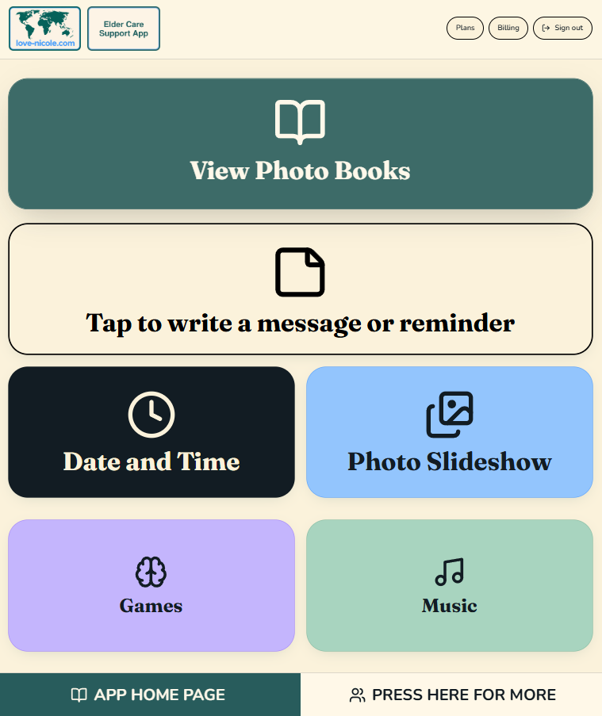
Big photos, big buttons, press large arrows to turn the page on photo books
*We can supply the App for use on your own electronic tablet, or you may be eligible to receive a New Tablet complete with the Full Feature App funded by a Government Care Package. This is classed as Assistive Digital Technology and we can arrange the documentation for your Home Care Provider to submit. The Tablet is not able to have any other functionality other than to operate the App if it is supplied using Assistive Technology Funding through Support at Home. *If you wish to purchase a new Tablet complete with the App personally, rather that through Govt funding we can supply the Tablet with full functionality. Email us today.
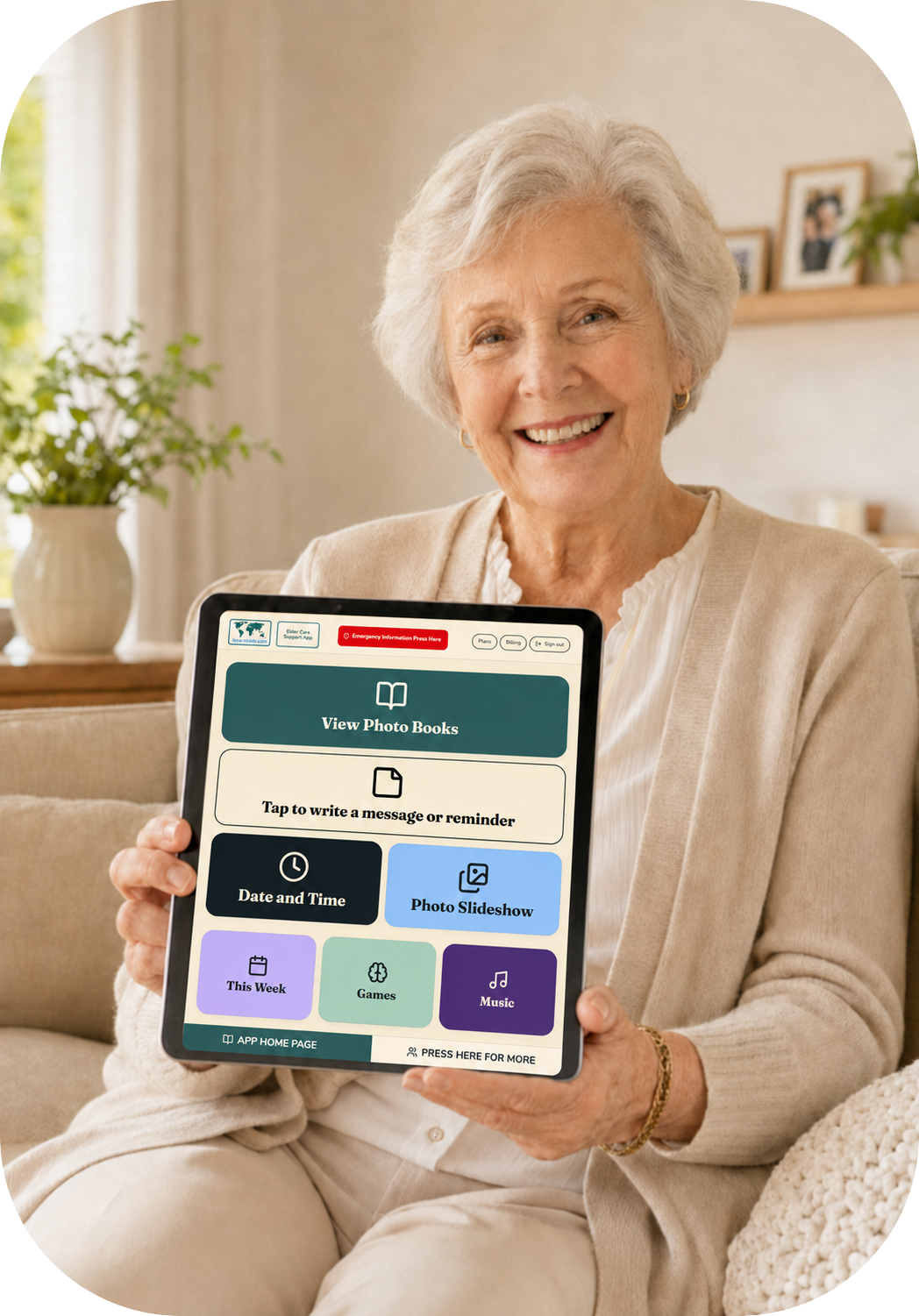
After years of watching people with dementia struggle, and carers and family get frustrated with all of the repetitive questions and phone calls from their loved ones needing information, clarification, and reassurance, I have put together a selection of helpful solutions in this Elder Care Support App to make everybody's life a bit less stressful, and hopefully a bit easier and more joyful.
Big photos, big buttons, press large arrows to turn the page on photo books
Photos bring memories, connections, support recognition.
Readable across the room, easy on tired eyes.
Relatives add photos and short stories with a simple email link — no account needed.
An option of leaving the display on an easy to understand time and calendar mode.
Created by a dementia caregiver, informed by reminiscence therapy practice.
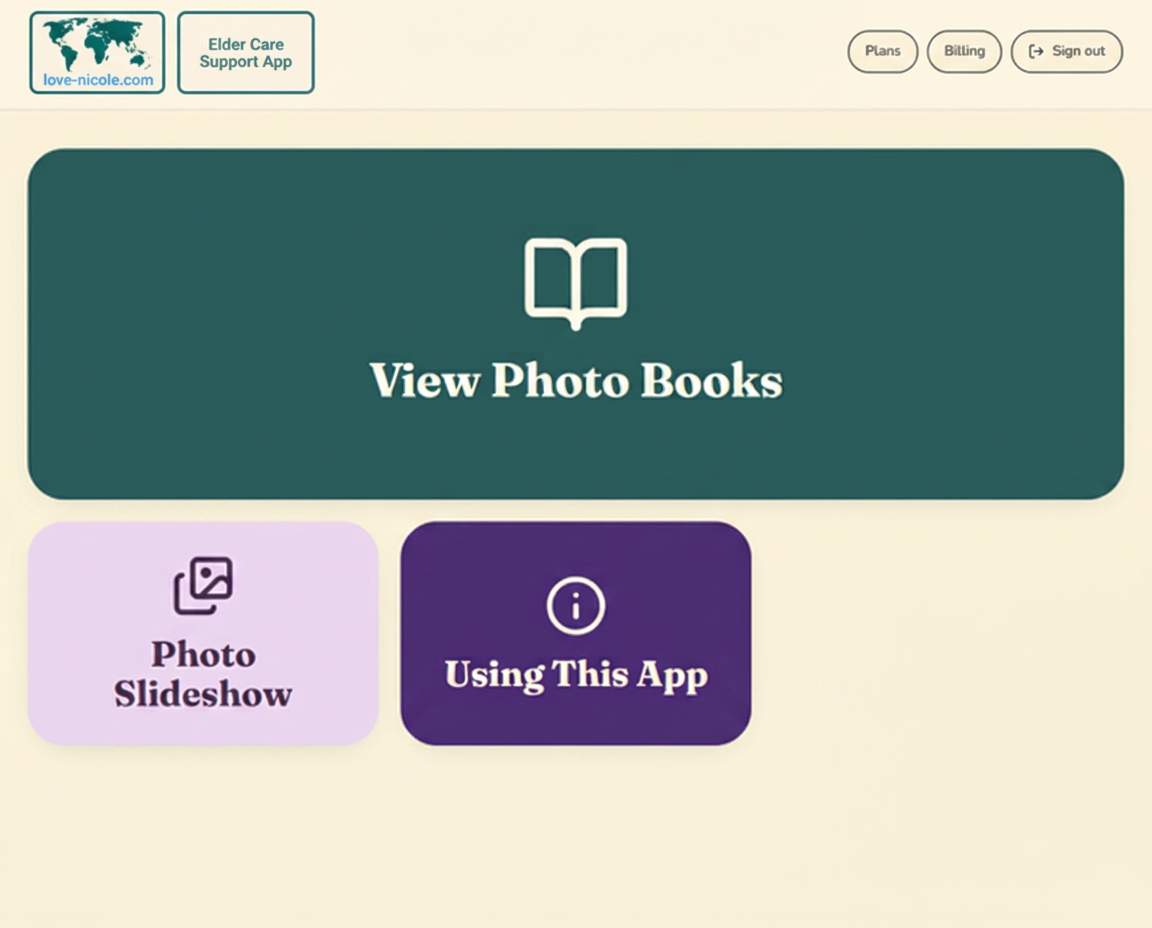
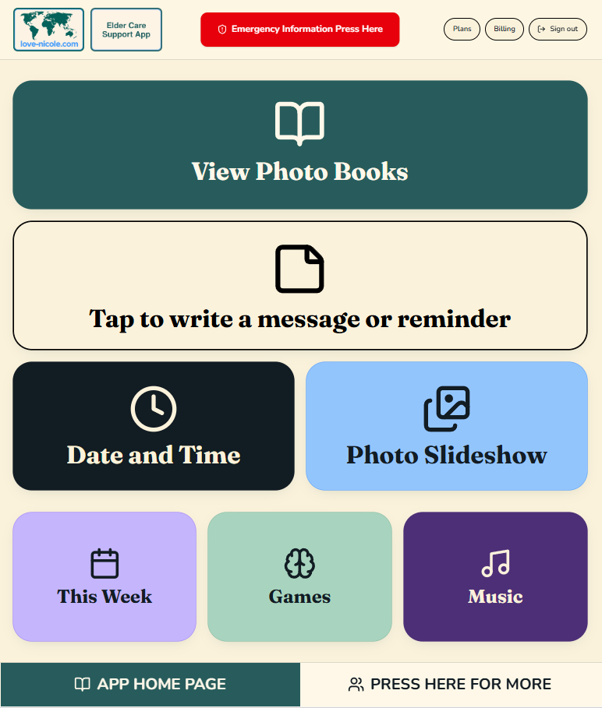
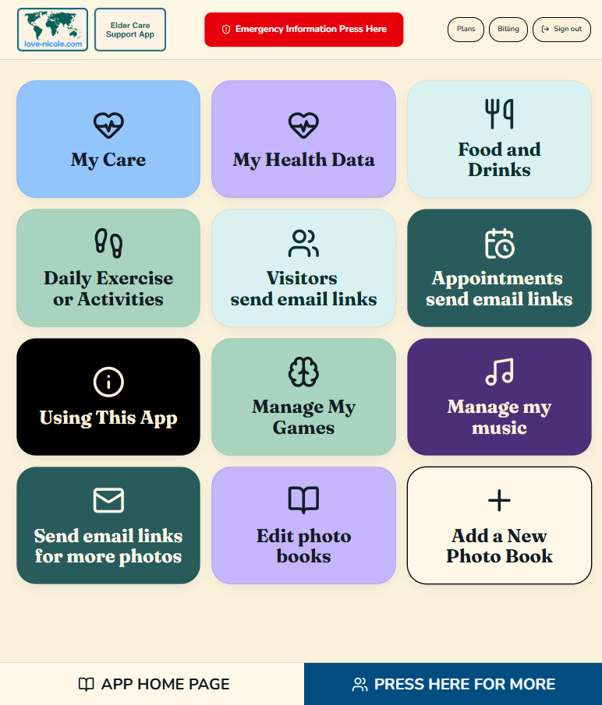
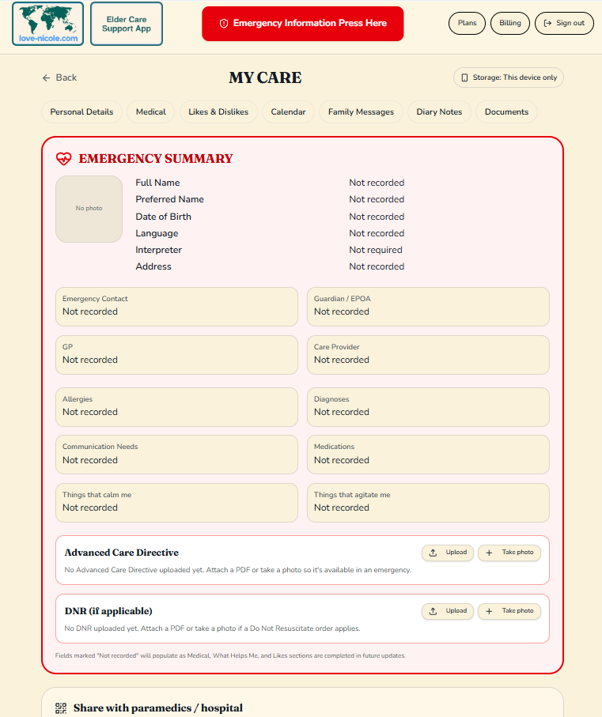
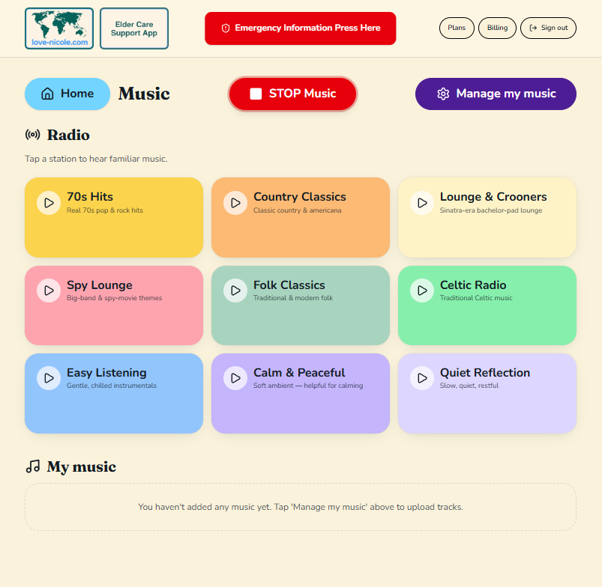
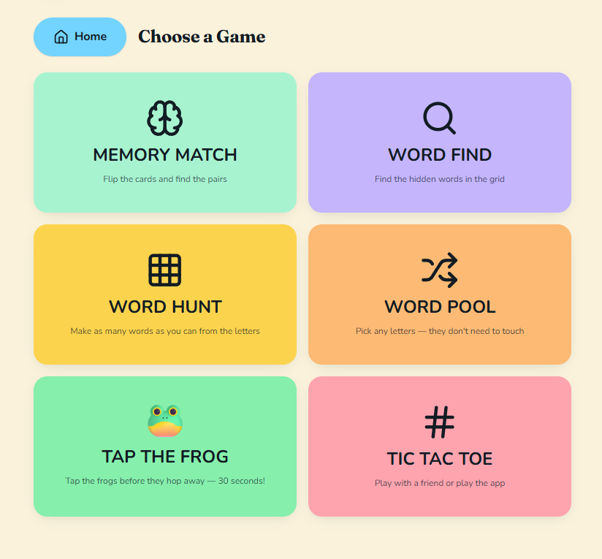
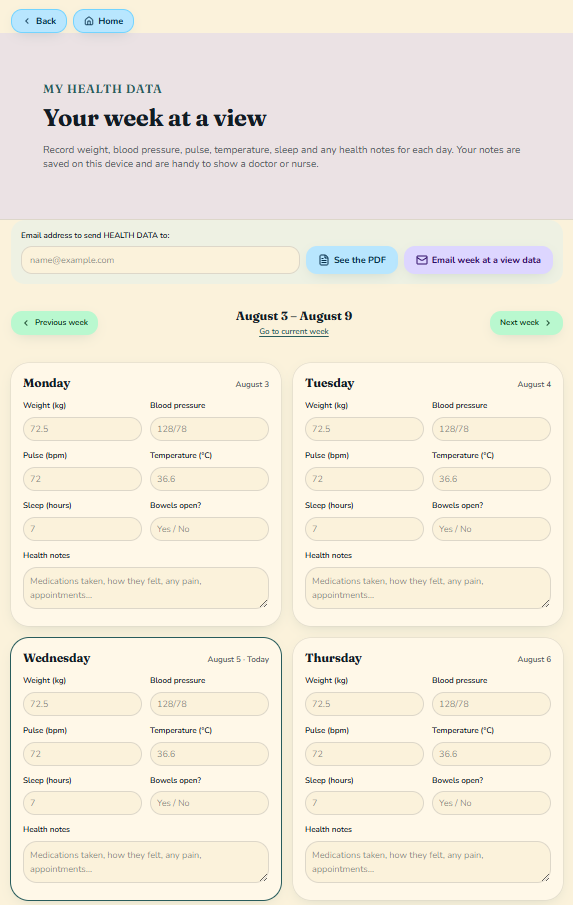
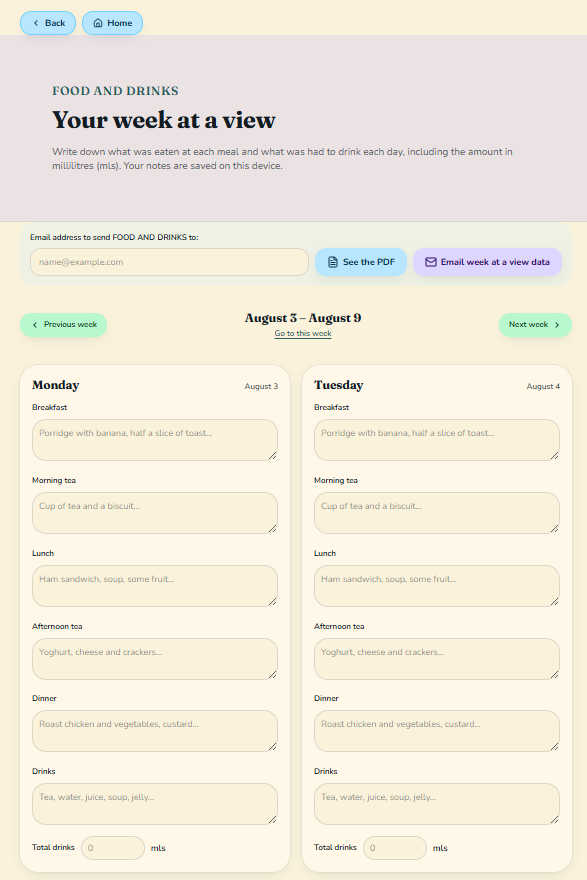
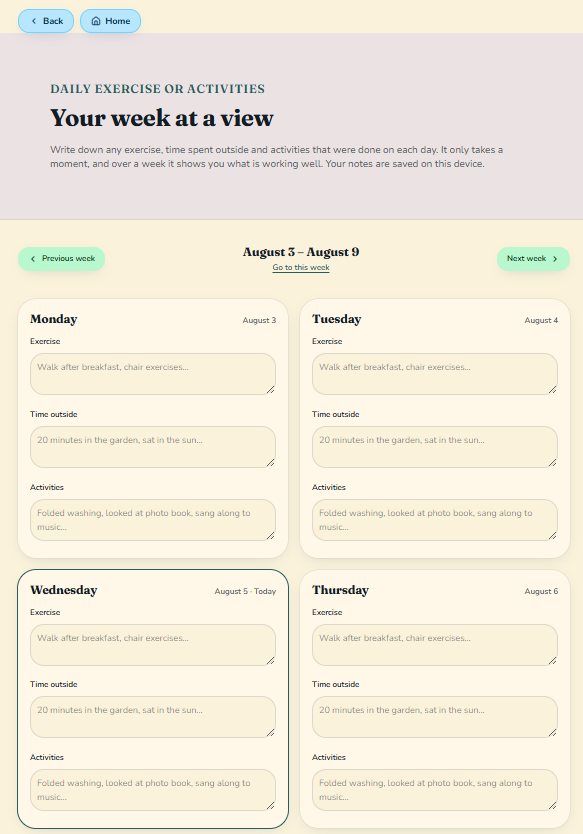
Stimulate memories, reminisce, and bring comfort with familiar faces and places
Encourage conversation and shared moments with family, friends and carers
Reduce the feeling of isolation by keeping distant or busy family present every day
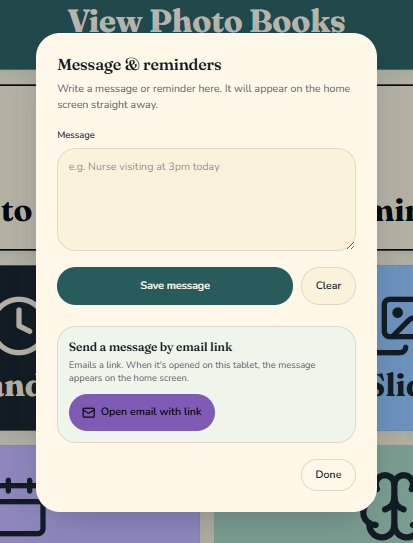
Send photos or visitors coming or appointment information directly to the App by email on the Full App
Keep your loved one aware of the day time and year with the calendar time clock.
Support reminiscence therapy at home or in care settings
Any modern tablet — iPad, Android tablets and Fire tablets — and any modern web browser on phone or computer.
No. Family members add photos and short stories through a simple invitation link.
You may start with a Sub
There's a free tier so families can try it. Paid plans cover larger photo libraries and contributor links — see Pricing.